KO
|
EN
gitlite — search
Search
#typescript
#ai-agents
#ai
#dsh-plugin
#deepseek-harness
#open-source
#claude-code
#codex
#cli
#developer-tools
#react
#windows
better-nav
★ 79
Open GitHub ↗
一个把常用网址收拾得干干净净的小站
Download README (.md)
Explore Similar Repositories
developer-experience-java-kubernetes
:
Samples showing how to use different tools and patterns to improve the developer experience and optimise the inner development loop.
azure-remix-stack
:
A remix stack template for running a remix app on Azure
aws-machine-learning-university-responsible-ai
:
No description available.
mantine-split-pane
:
A Mantine 9 React component for resizable split pane layouts with 7 resizer variants, context-based prop inheritance, responsive orientation, and dynamic pane generation.
ato-ui
:
The elemental UI component library for Svelte, built with UnoCSS and Melt UI.
// repository documentation
Was this content helpful?
★ 0
(0 ratings)
Select Rating:
★
★
★
★
★
Submit Feedback
Recent Feedback
×
Download README
Do you want to download the
README.md
file for
better-nav
?
Download (.md)
<div align="center"> <img alt="Better Nav logo" src="./public/logo.svg" width="80" /> <h1>Better Nav</h1> <p>一个把常用网址收拾得干干净净的小站。</p> </div> <div align="center"> <a href="https://dream.baiwumm.com/" target="_blank"> <img alt="Preview" src="https://img.shields.io/badge/在线预览-dream.baiwumm.com-black?style=flat" /> </a> <a href="https://nextjs.org/" target="_blank"> <img alt="Next.js" src="https://img.shields.io/badge/Next.js-16-black?style=flat&logo=next.js" /> </a> <a href="https://www.heroui.com/" target="_blank"> <img alt="HeroUI" src="https://img.shields.io/badge/HeroUI-v3-black?style=flat" /> </a> <a href="https://supabase.com/" target="_blank"> <img alt="Supabase" src="https://img.shields.io/badge/Supabase-black?style=flat&logo=supabase" /> </a> <a href="./LICENSE" target="_blank"> <img alt="MIT License" src="https://img.shields.io/badge/license-MIT-blue?style=flat" /> </a> </div> ## 🌱 简介 `Better Nav` 是一个基于 Next.js 与 Supabase 的个人导航站。 它专注做一件小事:把常用网址放在一起,打开就能用。支持亮暗主题、响应式布局、基础 SEO,以及登录后的网站分类与管理。 ## 🌿 截图 | 亮色模式 | 暗色模式 | | --- | --- | | 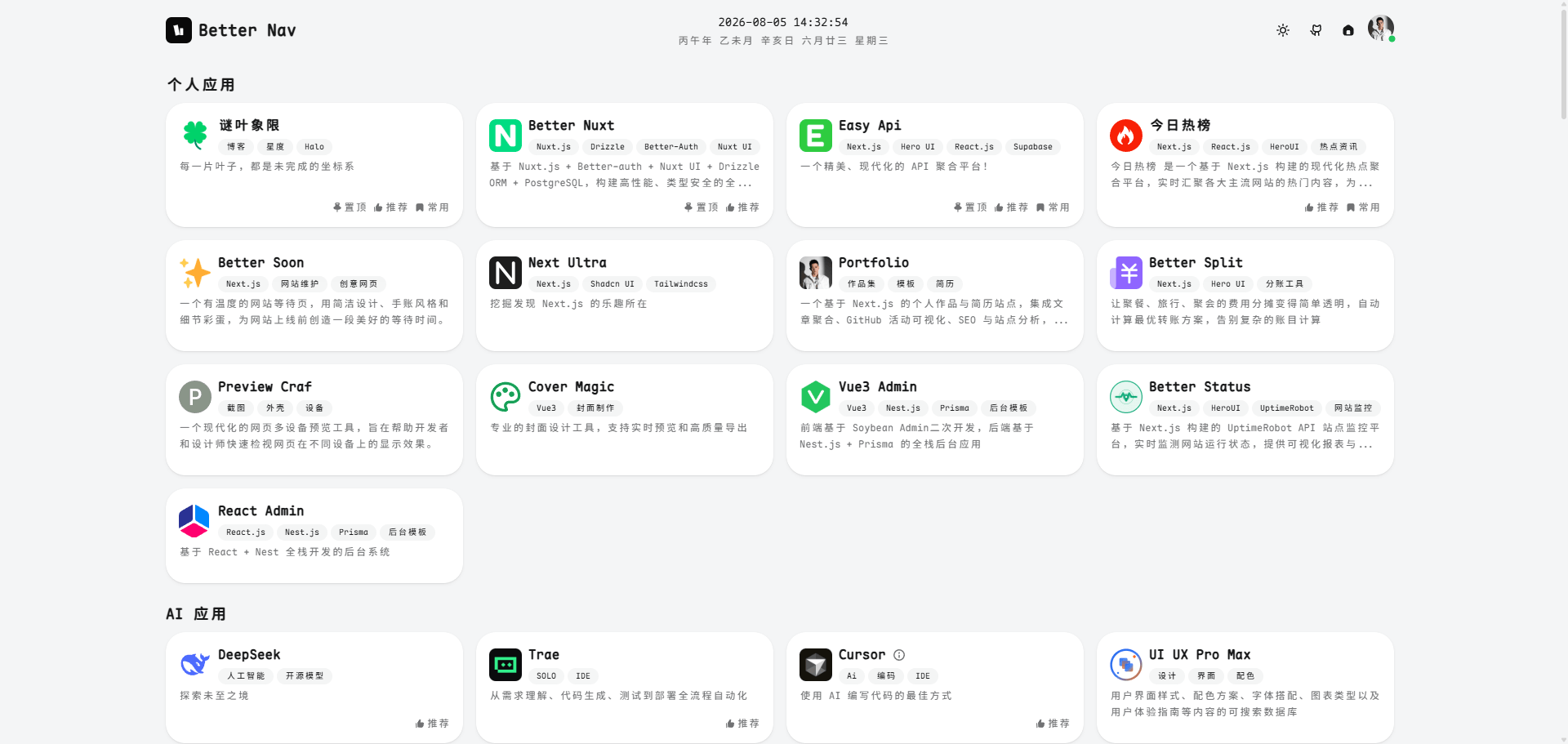 | 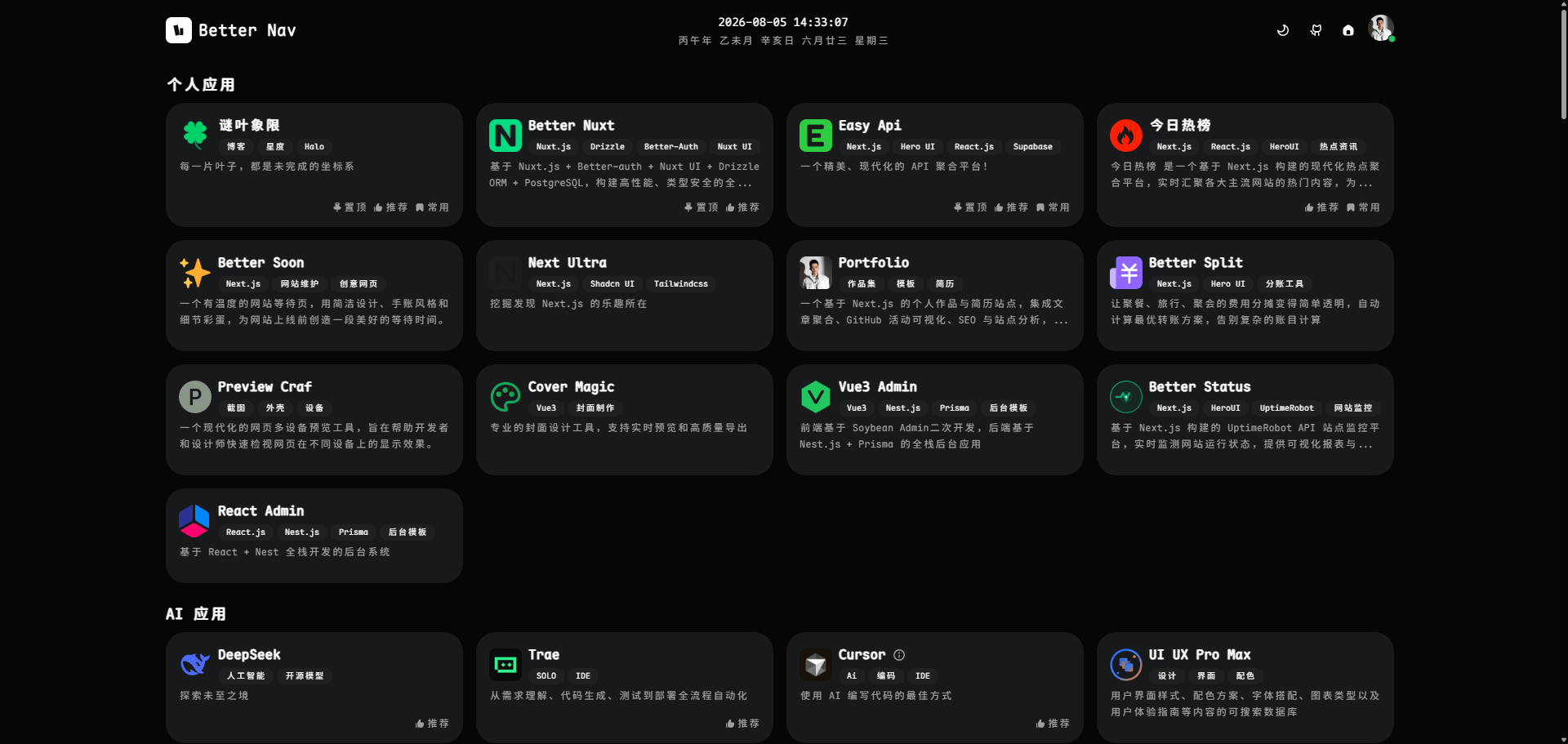 | | 分类管理 | 站点列表 | | --- | --- | | 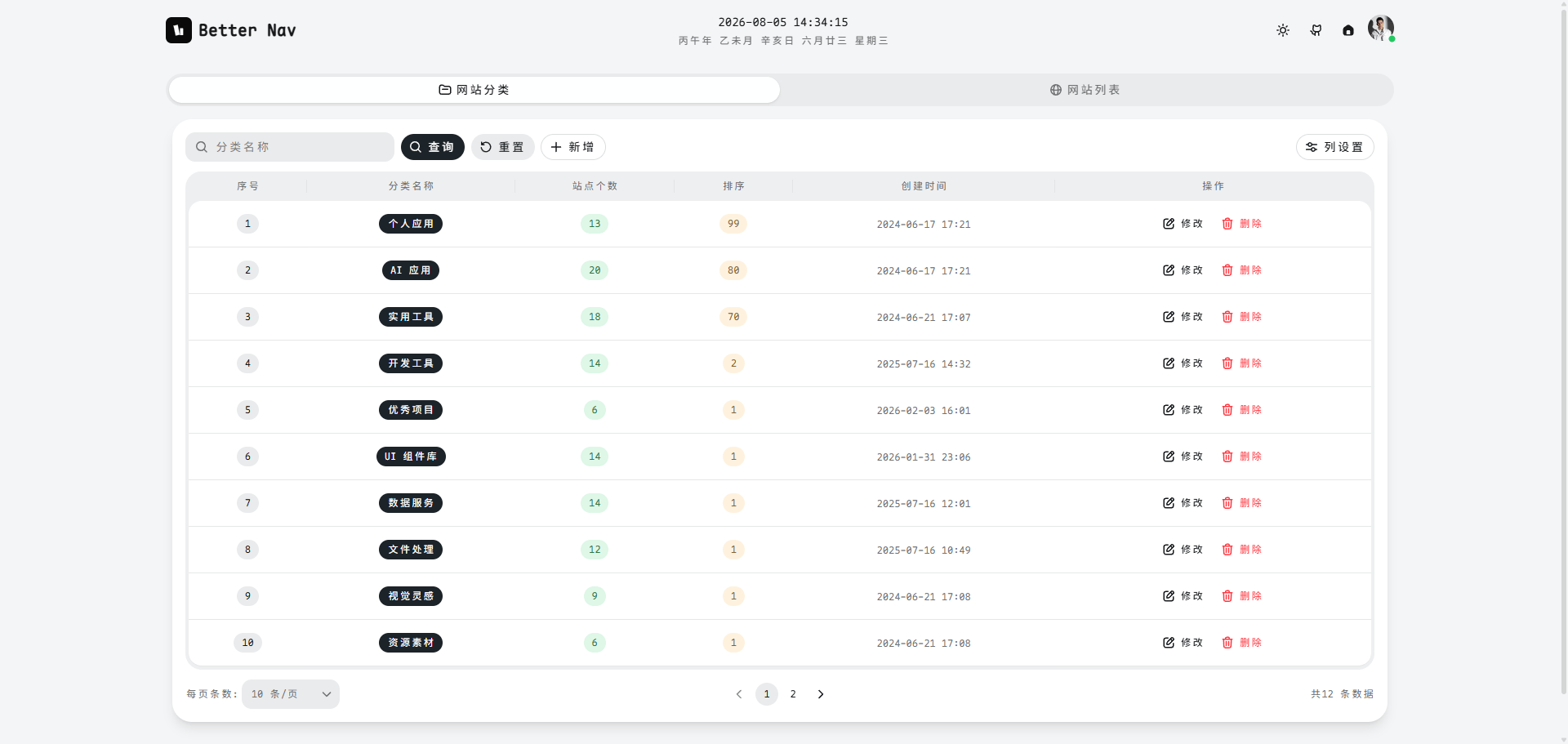 | 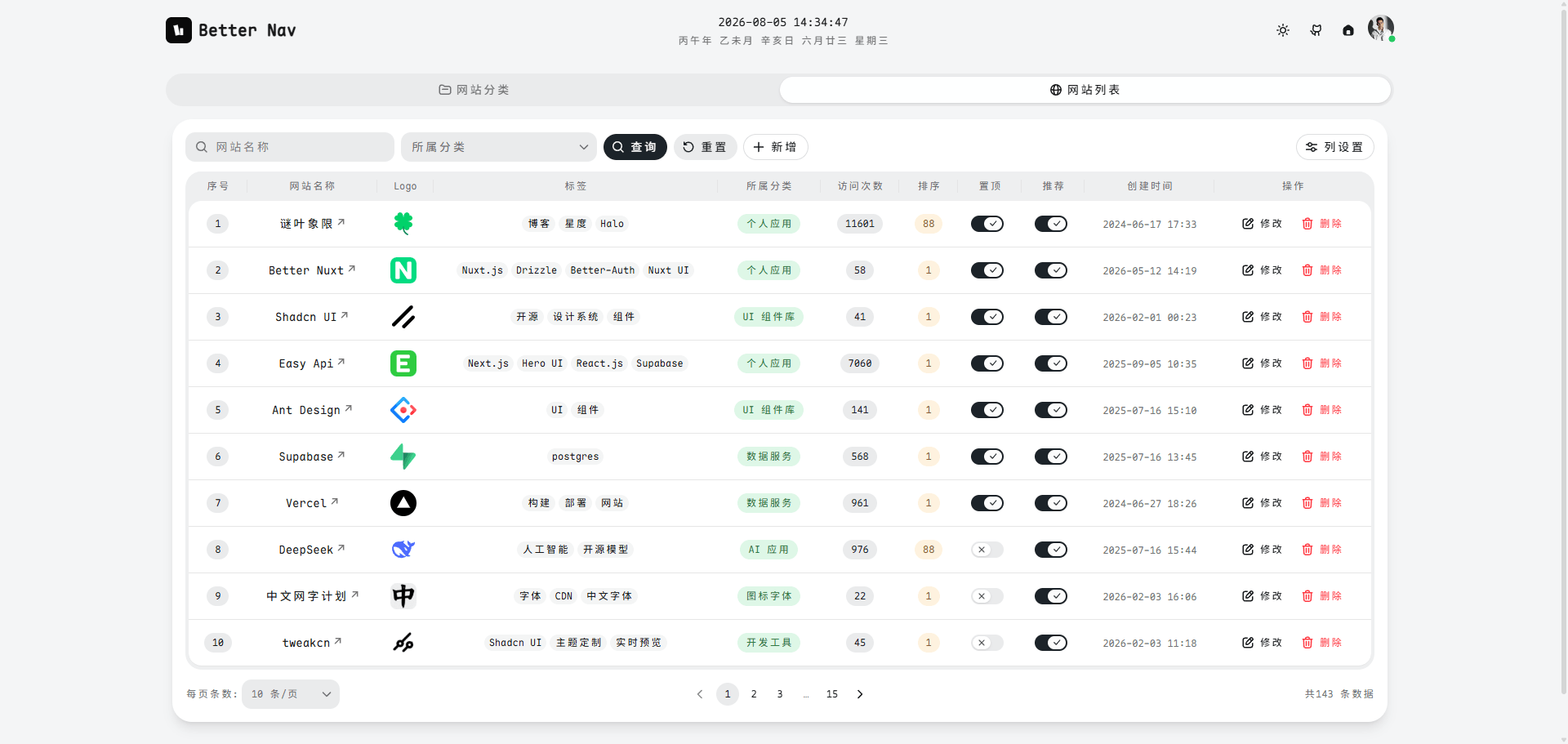 | ## ☘️ 技术栈 - Next.js 16 + React 19 - HeroUI v3 - Tailwind CSS v4 - Supabase - Vercel ## 🪴 本地开发 ### 🌱 环境要求 - Node.js >= 18.17 - pnpm ### 🌵 启动项目 ```bash git clone https://github.com/baiwumm/better-nav.git cd better-nav pnpm install pnpm dev ``` 先将 `.env.example` 复制为 `.env.local`,再补全你自己的环境变量。 默认访问:`http://localhost:3000` ## 🌼 环境变量 项目主要使用这些环境变量: ```bash NEXT_PUBLIC_SUPABASE_URL= NEXT_PUBLIC_SUPABASE_ANON_KEY= NEXT_PUBLIC_SUPABASE_STORAGE_BUCKET=logos NEXT_PUBLIC_APP_NAME=Better Nav NEXT_PUBLIC_APP_TITLE=一个把常用网址收拾得干干净净的小站 NEXT_PUBLIC_APP_DESC=把常用网址放在一起,打开就能用。 NEXT_PUBLIC_APP_URL=http://localhost:3000 NEXT_PUBLIC_AUTHOR_NAME= NEXT_PUBLIC_AUTHOR_ROLE= ``` 完整示例见 [`.env.example`](./.env.example)。 ## 🍀 Supabase 配置 开始之前,你需要在 Supabase 中准备好以下内容: 1. 创建项目,并填写 `NEXT_PUBLIC_SUPABASE_URL` 与 `NEXT_PUBLIC_SUPABASE_ANON_KEY` 2. 创建存储桶:`logos` 3. 配置认证方式与访问策略 4. 初始化项目依赖的数据结构:`ds_categorys`、`ds_websites`、`increment_visit_count`,以及对应的插入 / 更新触发器 如果你准备把它作为自己的导航站二次使用,最省事的方式是按当前前端字段结构直接在 Supabase 中建表,再根据自己的登录方式补齐鉴权策略。 ## 🌲 部署 推荐直接部署到 Vercel: 1. Fork 本项目 2. 在 Vercel 中导入仓库 3. 配置环境变量 4. 点击 Deploy ## 🌸 许可证 [MIT](./LICENSE) © [baiwumm](https://baiwumm.com)
