KO
|
EN
gitlite — search
Search
#javascript
#python
#hacktoberfest
#react
#ai
#typescript
#llm
#go
#golang
#android
#machine-learning
#rust
#deep-learning
#linux
figma-mac
★ 23
Open GitHub ↗
A Mac client for Figma
Download README (.md)
Explore Similar Repositories
talks
:
Repository of talks I've given
eru-metric
:
send container metric to anywhere you want
vertx-eventbus-java
:
A Vert.x EventBus client written in Java, works on Android
leapfrog-triejoin
:
High-performance (C++) implementation of the leapfrog-triejoin algorithm by Todd Veldhuizen (http://arxiv.org/abs/1210.0481)
loggedin-mixin
:
A simple logged-in and roles check minxin to use with mdg:validated-method package
// repository documentation
Was this content helpful?
★ 0
(0 ratings)
Select Rating:
★
★
★
★
★
Submit Feedback
Recent Feedback
×
Download README
Do you want to download the
README.md
file for
figma-mac
?
Download (.md)
# DEPRECATED - Figma launched their own desktop app. [ Download Figma](https://www.figma.com/downloads) (official desktop app) The old readme continues below for posterity. *Thank you* Figma team for releasing an official desktop client! :) ---------------- 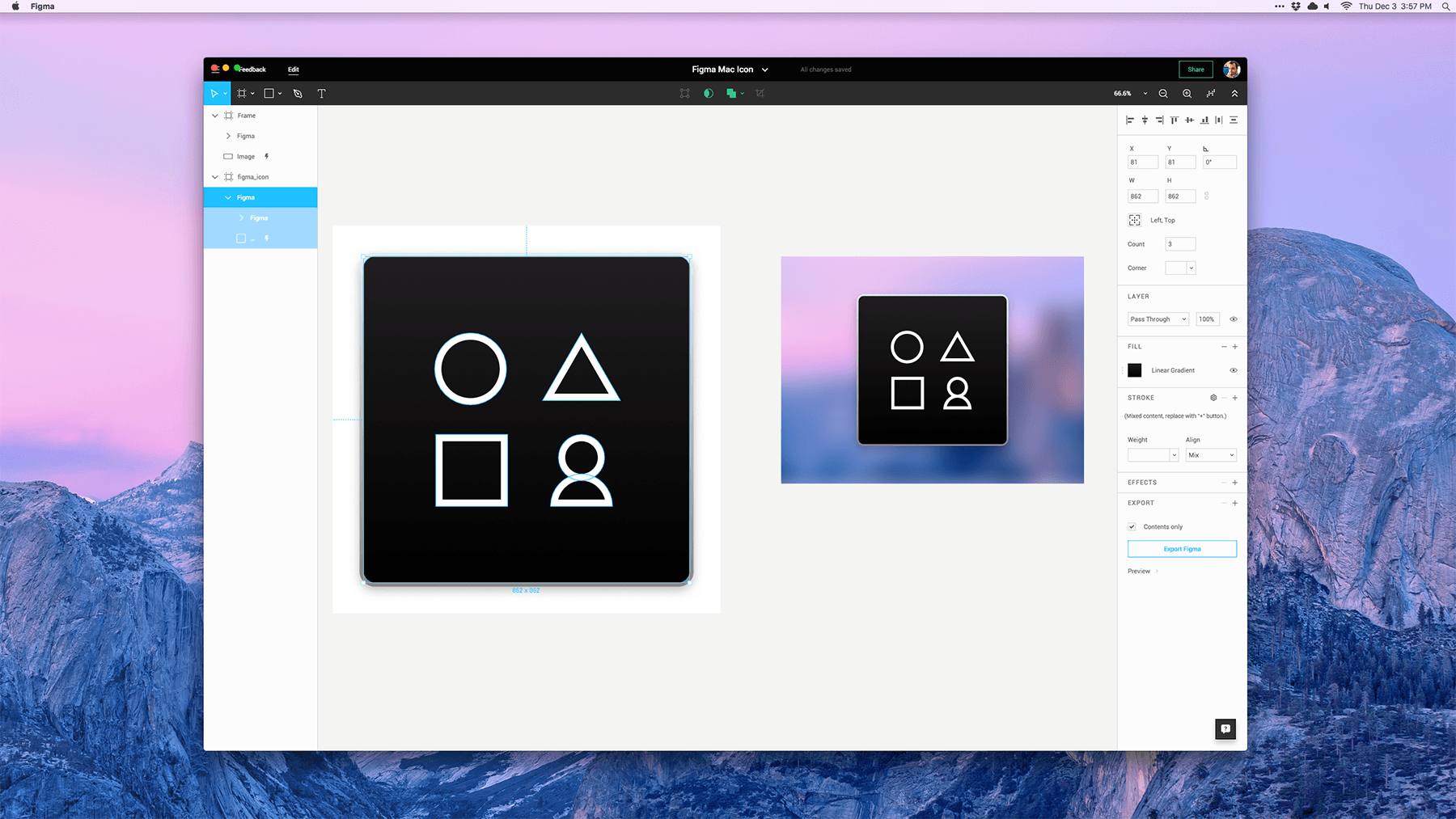 # Figma for Mac (unofficial) This is an [Electron](https://github.com/atom/electron) wrapper for [Figma](https://figma.com). It lets you install Figma on your Mac and easily access it from the Dock instead of your web browser. ## Caveats I'm not really a Node developer, so this is just a basic implementation. There are some known (and some unknown!) issues with this project: - Pinch to zoom does not work. I imagine this is solvable, but I don't know how. - This is a third-party project not associated with Figma, Inc., so use it at your own risk. ## How to Install 1. Download the latest [Release](https://github.com/wr/figma-mac/releases/) from GitHub, unzip, and drag to your Applications folder. 2. Launch the app. 3. Log in with your Figma credentials. 4. Party hardy. ## I need help! This project is far from finished. I created it because I prefer desktop apps over webapps, and I wanted to give Figma a try. So far, I think it shows tons of promise. If you have experience with Node and / or Electron, and would like to help make this app cleaner, leaner, faster, and more reliable with me, please submit a PR or email me at wells.riley@me.com with "Figma for Mac" somewhere in the subject line. Should be pretty fun!  ## Troubleshooting ¯\_(ツ)_/¯ Figma is still in beta, and so is this Mac app. Stuff will probably break. Feel free to [submit a GitHub issue](https://github.com/wr/figma-mac/issues) or [contact the official Figma support line](https://www.figma.com/contact) if you need help. ## Building it yourself 1. Download [Electron](https://github.com/atom/electron) via NPM (`electron-prebuilt`) 2. `cd` to this repo on your Mac, make whatever changes you like, and run `electron .` to run a live preview of your Figma app. 3. To package the app as a binary, download [electron-packager](https://github.com/maxogden/electron-packager) and run it from the directory above the repo: ``` electron-packager figma-mac Figma --platform=darwin --arch=x64 --version=0.35.2 --app-version=[your-version] --icon='figma-mac/extras/atom.icns' --overwrite ```
