KO
|
EN
gitlite — search
Search
#python
#java
#hacktoberfest
#php
#dotfiles
#javascript
#cpp
#sqlite
#macos
#ruby
#translation
#arduino
DirectHook
★ 18
Open GitHub ↗
Library for hooking DirectX API calls
Download README (.md)
Explore Similar Repositories
AdobeDDS
:
DirectDraw Surface image format plug-ins for Adobe apps
dds_image
:
Header-only C++11/C++17 DirectDraw Surface (DDS) decoder with Vulkan helpers.
ddsfile
:
DirectDraw Surface file format parser/composer
DDS-Evrika-Plugin
:
Add full support for the DDS format in Krita. Support Windows/Linux/macOS
vmhal9x
:
DirectDraw HAL implementation for VMDisp9x driver
// repository documentation
Was this content helpful?
★ 0
(0 ratings)
Select Rating:
★
★
★
★
★
Submit Feedback
Recent Feedback
×
Download README
Do you want to download the
README.md
file for
DirectHook
?
Download (.md)
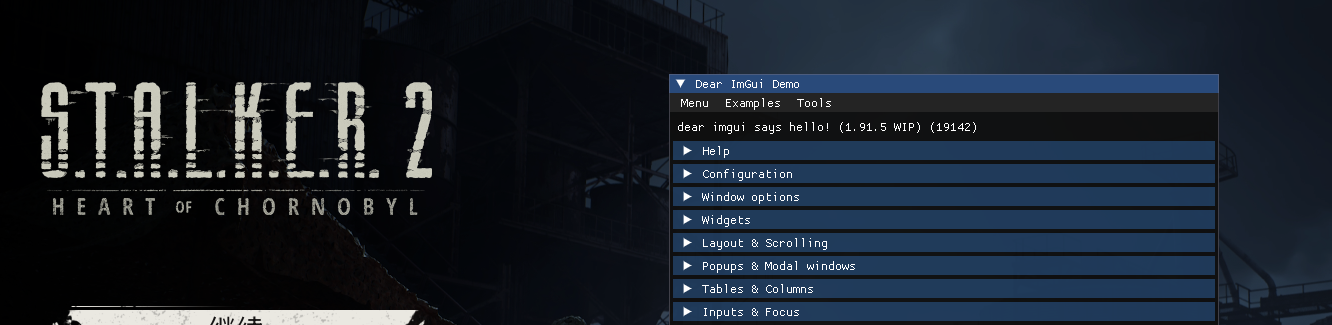
# DirectHook **DirectHook** is a library designed to intercept and modify DirectX API function calls, making it ideal for tasks like implementing ImGui overlays or custom graphics monitoring within applications. ### Supported APIs DirectHook currently supports the following DirectX APIs: - Direct3D 9, 10, 11, 12 - DirectDraw 7 ### Planned Features - **Cross-API Support**: Future versions may add support for non-DirectX graphics APIs such as OpenGL and Vulkan. ## Getting Started ### Samples The **Samples** folder provides basic DLLs for each supported API, demonstrating DirectHook’s capabilities to intercept API function calls. Each sample includes: - **Function Hooking**: Basic hooks for common DirectX functions. - **ImGui Integration**: Samples show how to use DirectHook to implement an ImGui overlay, enabling custom in-game interfaces. #### Sample Usage To test a sample, you have two options: 1. Use the provided `DLLInjector` tool. This requires specifying the target process and the DLL path as command-line arguments: ```sh DLLInjector.exe D3D11App.exe D3D11Hook.dll ``` 2. For quick testing, directly add the DLL load call in your application code: ```cpp LoadLibrary(L"D3D11Hook.dll"); ``` ### API Utilities DirectHook provides two utility headers for each supported API: - **Hook Indices**: Enumerations that help you specify which function to intercept. - **Function Type Definitions**: Convenient typedefs for function pointers, making it easy to define custom functions that match DirectX’s API function signatures. ## Example: D3D11 Hook The following example demonstrates how to use DirectHook to intercept the `Present` function in Direct3D 11, allowing for custom behavior on each frame render. This example could be extended to implement an ImGui overlay. 1. **Hook Indices**: Enumerated constants to specify the function to intercept: ```cpp enum { // Other indices... D3D11_SwapChain_Present, // Index for Present call // Other indices... }; ``` 2. **Function Typedefs**: Aliases to simplify function pointer declarations: ```cpp // Other typedefs... using PFN_D3D11_DXGISwapChain_Present = HRESULT(STDMETHODCALLTYPE*)(IDXGISwapChain*, UINT, UINT); // Other typedefs... ``` 3. **Hook Implementation**: Intercept `Present` call to add custom behavior. ```cpp #include "directhook.h" static PFN_D3D11_DXGISwapChain_Present g_pfnDxgiPresent = nullptr; HRESULT STDMETHODCALLTYPE MyPresent(IDXGISwapChain* pSwapChain, UINT SyncInterval, UINT Flags) { static BOOL bCalled = FALSE; if (!bCalled) { MessageBoxA(0, "Called MyPresent!", "DirectHook", MB_OK); bCalled = TRUE; } return g_pfnDxgiPresent(pSwapChain, SyncInterval, Flags); } INT D3D11HookThread() { if (DH_Initialize() == DH_STATUS_SUCCESS) { DH_Hook(D3D11_SwapChain_Present, g_pfnDxgiPresent, MyPresent); } return 0; } BOOL WINAPI DllMain(HINSTANCE hInstance, DWORD fdwReason, LPVOID) { DisableThreadLibraryCalls(hInstance); if (fdwReason == DLL_PROCESS_ATTACH) { CreateThread(NULL, 0, (LPTHREAD_START_ROUTINE)D3D11HookThread, NULL, 0, NULL); } return TRUE; } ``` ## Usage Guide 1. **Integrate DirectHook**: Add the DirectHook source folder to your DLL project. 2. **MinHook Dependency**: Link to MinHook libraries or add MinHook source code directly to your project. 3. **Select Graphics API**: Define the graphics API you’re targeting with the relevant `DH_USE_*` macro: - **In Visual Studio**: Go to `Project -> Properties -> C/C++ -> Preprocessor -> Preprocessor Definitions` and add the desired macro. - **In CMake**: Use `target_compile_definitions(MyDLL PRIVATE DH_USE_*)`. - **Direct Declaration**: Alternatively, add the macro at the top of `directhook.h`. ## Screenshots ### The Talos Principle (D3D11) 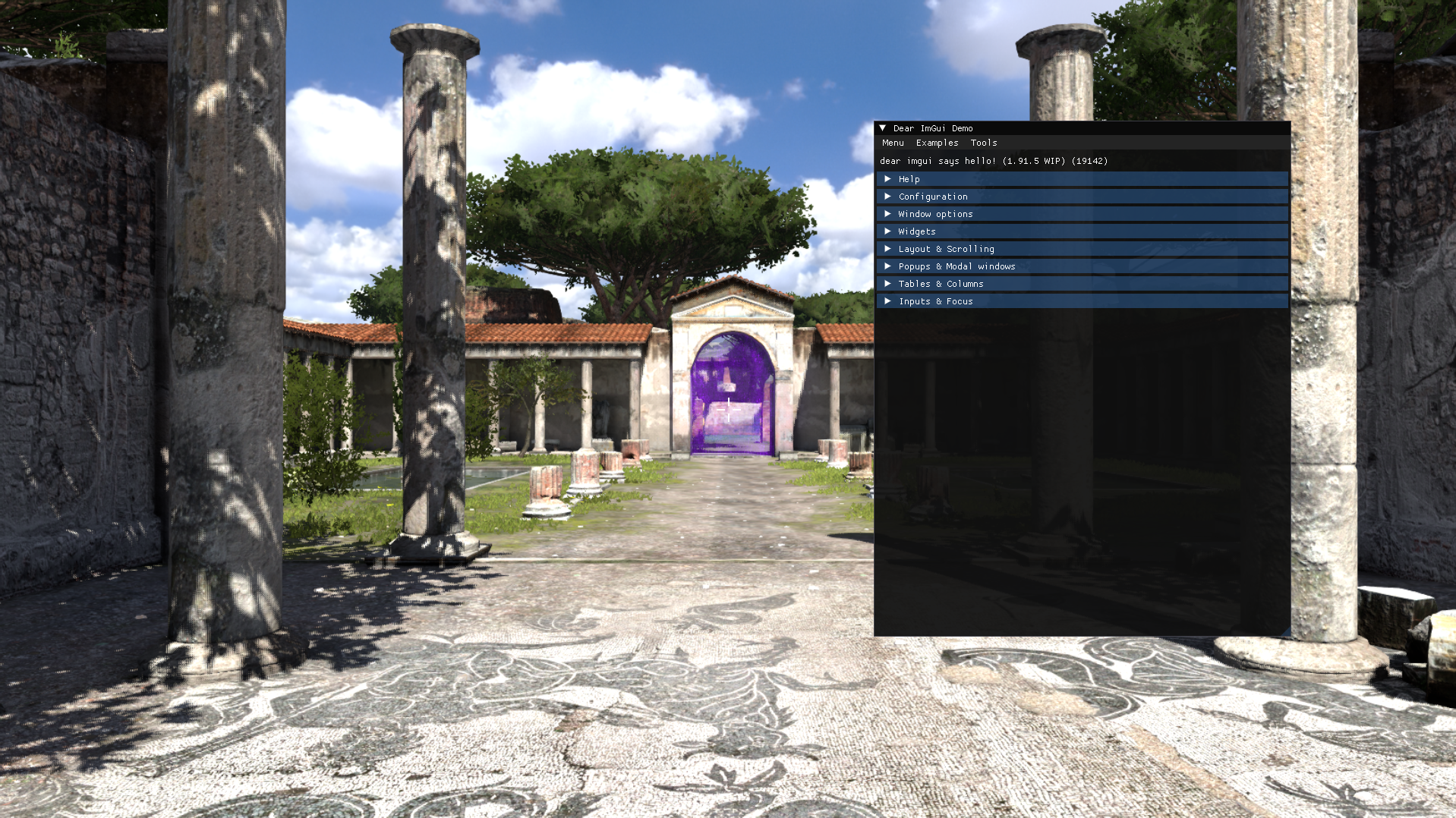 ### S.T.A.L.K.E.R. 2: Heart of Chornobyl (D3D12 UE 5.1)