KO
|
EN
gitlite — search
Search
#python
#java
#python3
#arduino
#golang
#machine-learning
#rust
#html
#flask
#javascript
#seismology
#nodejs
AutonomousBlimpDRL
★ 24
Open GitHub ↗
No description available.
Download README (.md)
Explore Similar Repositories
plugin-git
:
Woodpecker plugin for cloning Git repositories
deploy-ml-model-as-android-app
:
Code to deploy ML model as an Android App
FairMOT-attack
:
No description available.
archlinux-ansible-provisioner
:
Yet another Archlinux ansible provisioner
dl_common_script
:
深度学习常用的脚本,比如公共数据集(Tusimple,VOC等)的转换(xml2json,json2xml,yolo2voc),读取视频,分离训练验证集等
// repository documentation
Was this content helpful?
★ 0
(0 ratings)
Select Rating:
★
★
★
★
★
Submit Feedback
Recent Feedback
×
Download README
Do you want to download the
README.md
file for
AutonomousBlimpDRL
?
Download (.md)
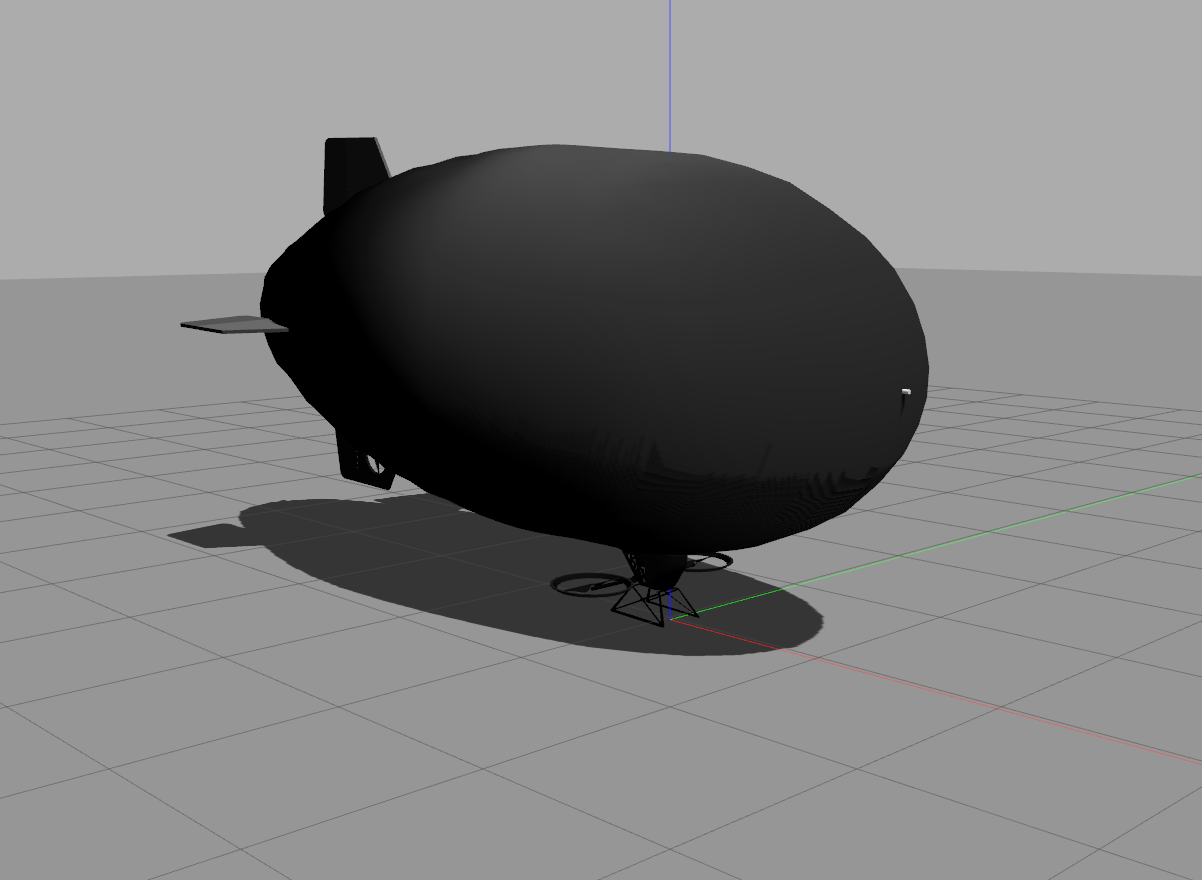 # Autonomous Blimp Control using Deep Reinforcement Learning ================================================================= ## For more information, read our preprint on arXiv: "https://arxiv.org/abs/2203.05360" -------------------------------------------------------------- # Copyright and License All Code in this repository - unless otherwise stated in local license or code headers is Copyright 2021 Max Planck Institute for Intelligent Systems Licensed under the terms of the GNU General Public Licence (GPL) v3 or higher. See: https://www.gnu.org/licenses/gpl-3.0.en.html # Contents * /RL -- RL agent related files. * /blimp_env -- training environment of the RL agent. * /path_planner -- waypoints assignment. # Install blimp simulator see: https://github.com/Ootang2019/airship_simulation/tree/abcdrl ## Configure software-in-the-loop firmware This step enables ROS control on the firmware. 1. In the firts terminal starts the firmware ```console cd ~/catkin_ws/src/airship_simulation/LibrePilot ./build/firmware/fw_simposix/fw_simposix.elf 0 ``` 2. Start the GCS in the second terminal ```console cd ~/catkin_ws/src/airship_simulation/LibrePilot ./build/librepilot-gcs_release/bin/librepilot-gcs ``` 3. In "Tools" tab (top) --> "options" --> "Environment" --> "General" --> check "Expert Mode" --> restart 4. Select "Connections" (bottom right) --> UDP: localhost --> Click "Connect" 5. "Configuration" tab (bottom) --> "Input" tab (left) --> "Arming Setting" --> Change "Always Armed" to "Always Disarmed" --> Click "Apply" 6. "HITL" tab --> click "Start" --> check "GCS Control". This will disarm the firmware and allow to save the configuration 7. "Configuration" tab --> "Input" tab (left) --> "Flight Mode Switch Settings" --> Change "Flight Mode"/"Pos. 1" from "Manual" to "ROSControlled" 8. "Configuration" tab --> "Input" tab (left) --> "Arming Setting" --> Change "Always Disarmed" to "Always Armed" --> Click "Save" --> Click "Apply" 9. Confirm the change by restarting firmware, connecting via gcs, and checking if "Flight Mode"/"Pos. 1" is "ROSControlled" # Install RL training environment In the same catkin_ws as airship_simulation: 1. setup bimp_env ```console cd ~/catkin_ws/src git clone -b v2.0 https://github.com/robot-perception-group/AutonomousBlimpDRL.git cd ~/catkin_ws/src/AutonomousBlimpDRL/blimp_env pip install . ``` 2. setup RL agent ```console cd ~/catkin_ws/src/AutonomousBlimpDRL/RL pip install . ``` 3. compile ROS packages ```console cd ~/catkin_ws catkin_make source ~/catkin_ws/devel/setup.bash ``` 4. (optional) export path to .bashrc Sometimes it is not able to find the package because of the setuptools versions. In this case, we have to manually setup the environment path. ```console echo 'export PYTHONPATH=$PYTHONPATH:$HOME/catkin_ws/src/AutonomousBlimpDRL/blimp_env/:$HOME/catkin_ws/src/AutonomousBlimpDRL/RL/' >> ~/.bashrc source ~/.bashrc ``` # Start Training This will run ppo for 12days (2 days each * 3 seeds * 2 mixer_type) ```console python3 ~/catkin_ws/src/AutonomousBlimpDRL/RL/rl/rllib_script/residualplanarnavigateenv_ppo.py --use_lstm ``` Viualize * Training progress. In new terminal, enter the log folder and start tensorboard ```console tensorboard --logdir ~/ray_results/. ``` * Gazebo. In new terminal, start gzcilent ```console gzcilent ``` * rviz. In new terminal, start rviz and load a configured rviz flie ```console rosrun rviz rviz -d ~/catkin_ws/src/AutonomousBlimpDRL/blimp_env/blimp_env/envs/rviz/planar_goal_env.rviz ``` To close the simulation ```console . ~/catkin_ws/src/AutonomousBlimpDRL/blimp_env/blimp_env/envs/script/cleanup.sh ``` # Reproduction of results: -------------- ## Experiment 1: yaw control task training progress -------------- ```console python3 ~/catkin_ws/src/AutonomousBlimpDRL/RL/rl/rllib_script/yawcontrolenv_ppo.py ``` use lstm network ```console python3 ~/catkin_ws/src/AutonomousBlimpDRL/RL/rl/rllib_script/yawcontrolenv_ppo.py --use_lstm ``` -------------- ## Experiment 2: blimp control task training progress -------------- ```console python3 ~/catkin_ws/src/AutonomousBlimpDRL/RL/rl/rllib_script/residualplanarnavigateenv_ppo.py --use_lstm ``` -------------- ## Experiment 3: robustness evaluation -------------- ```console bash ~/catkin_ws/src/AutonomousBlimpDRL/RL/rl/rllib_script/test_agent/run.sh ``` # Cite ``` @ARTICLE{2022arXiv220305360T, author = {{Tang Liu}, Yu and {Price}, Eric and {Black}, Michael J. and {Ahmad}, Aamir}, title = "{Deep Residual Reinforcement Learning based Autonomous Blimp Control}", journal = {arXiv e-prints}, year = 2022, } ``` previous work (git branch v1.0) ``` @article{Liu2021ABCDRL, title={Autonomous Blimp Control using Deep Reinforcement Learning}, author={Yu Tang Liu, Eric Price, Pascal Goldschmid, Michael J. Black, Aamir Ahmad}, journal={arXiv preprint arXiv:2109.10719}, year={2021} } ```
