KO
|
EN
gitlite — search
Search
#python
#java
#python3
#arduino
#golang
#machine-learning
#rust
#html
#flask
#javascript
#seismology
#nodejs
VBlog
★ 23
Open GitHub ↗
springBoot+vue 个人博客系统
Download README (.md)
Explore Similar Repositories
react-prismic-cms
:
Set of declarative component to query content published in the headless CMS prismic.io
simple-tufte-beamer
:
Simple and minimalistic beamer template using Tufte-LaTeX style
devtools-protocol-demos
:
Demos of the Chrome DevTools Protocol for various testing/automation techniques
cluster-openshift-controller-manager-operator
:
The openshift-controller-manager operator installs and maintains the openshift-controller-manager on a cluster
turkish-license-plate-detector
:
Finding turkish and eu license plates in images using OpenCV
// repository documentation
Was this content helpful?
★ 0
(0 ratings)
Select Rating:
★
★
★
★
★
Submit Feedback
Recent Feedback
×
Download README
Do you want to download the
README.md
file for
VBlog
?
Download (.md)
V部落是一个多用户博客管理平台,采用Vue+SpringBoot开发。 ## 英雄帖 >项目还有许多待改进的地方,欢迎小伙伴提交pr,我会将大家完成的工作展示在README中! # 项目效果图 ## 登陆页面 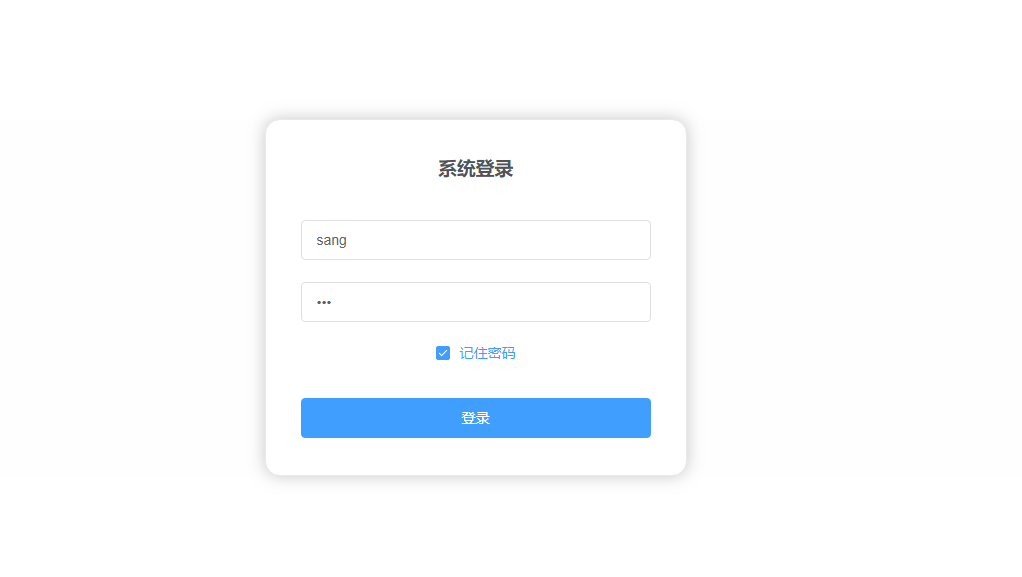 ## 文章列表 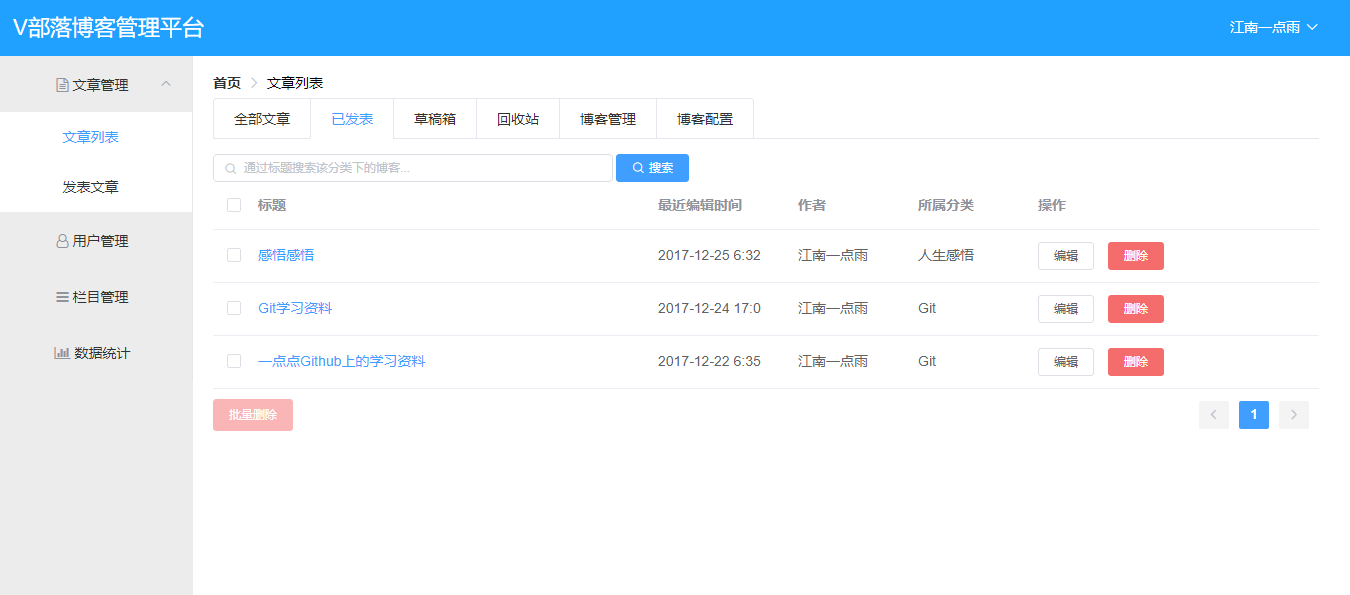 ## 发表文章 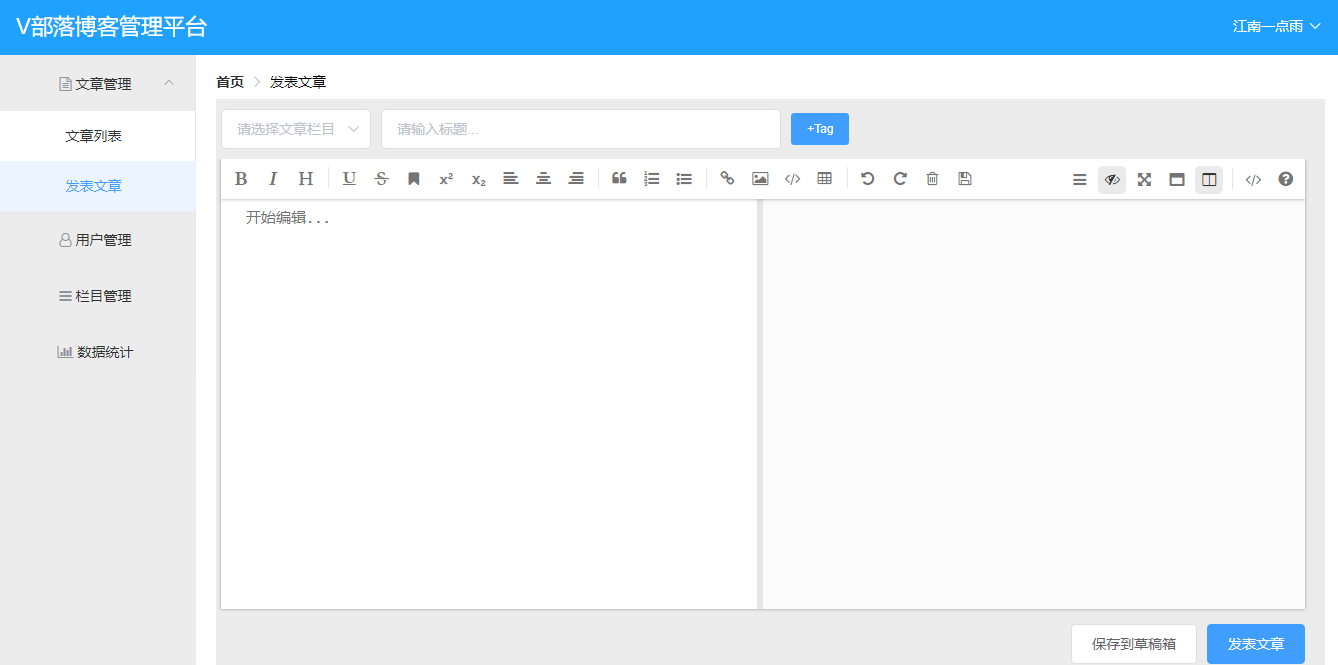 ## 用户管理  ## 栏目管理 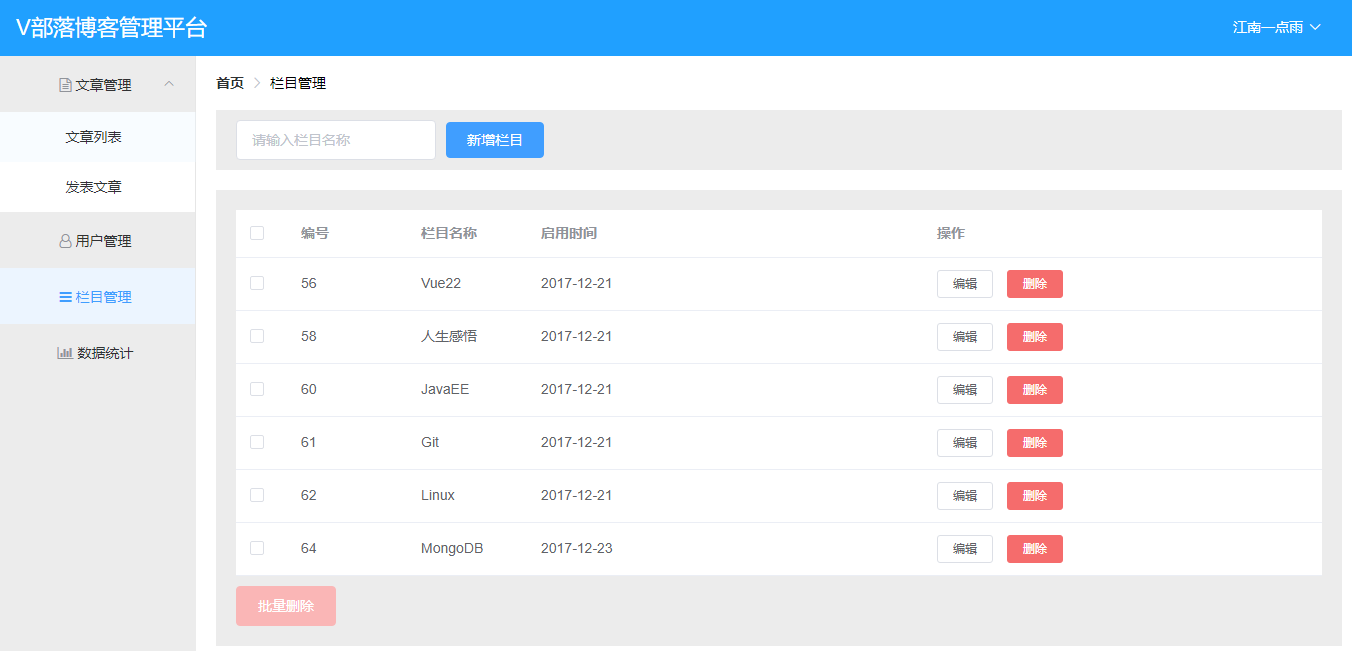 ## 数据统计 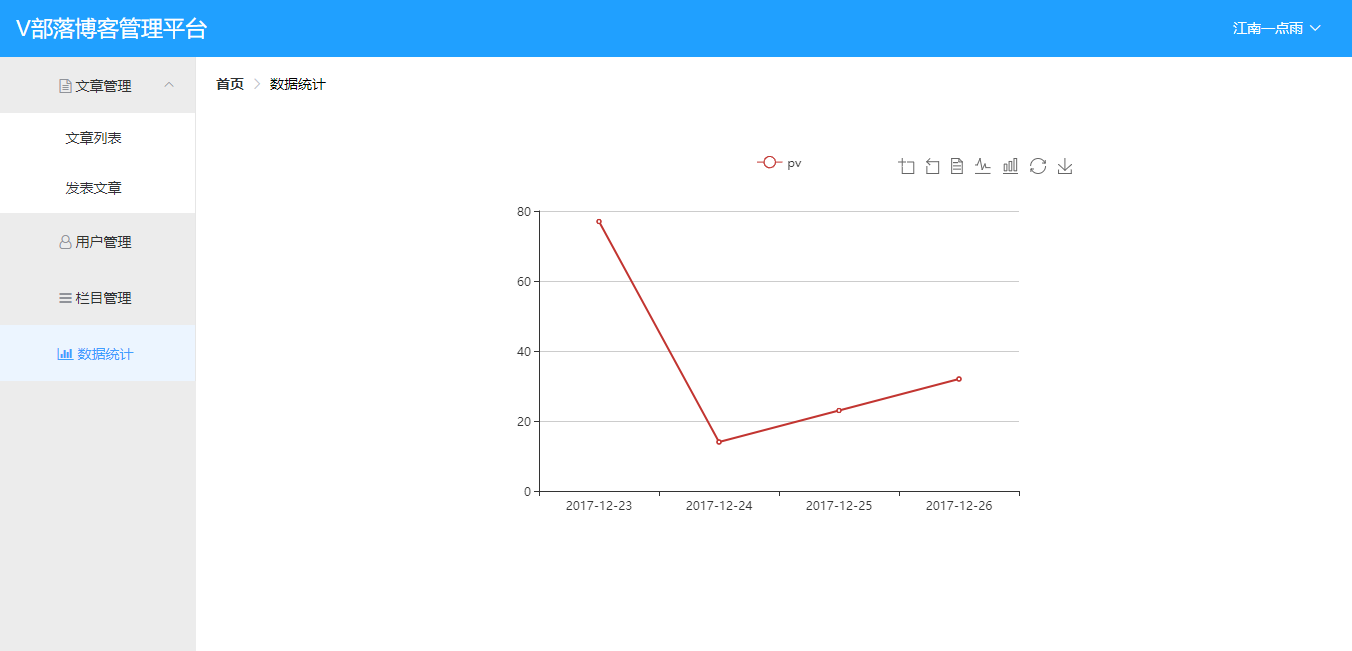 # 技术栈 ## 后端技术栈 后端主要采用了: 1.SpringBoot 2.SpringSecurity 3.MyBatis 4.部分接口遵循Restful风格 5.MySQL ## 前端技术栈 前端主要采用了: 1.Vue 2.axios 3.ElementUI 4.vue-echarts 5.mavon-editor 6.vue-router 还有其他一些琐碎的技术我就不在这里一一列举了。 # 快速运行 1.克隆本项目到本地 ``` git@github.com:topyzc/VBlog.git ``` 2.找到blogserver项目中resources目录下的vueblog.sql文件,在MySQL数据库中执行 3.根据自己本地情况修改数据库配置,数据库配置在SpringBoot项目的application.properties中 4.在IntelliJ IDEA中运行blogserver项目 **OK,至此,服务端就启动成功了,此时我们直接在地址栏输入```http://localhost:8081/index.html```即可访问我们的项目,如果要做二次开发,请继续看第五、六步。** 5.进入到vueblog目录中,在命令行依次输入如下命令: ``` # 安装依赖 npm install # 在 localhost:8080 启动项目 npm run dev ``` 由于我在vueblog项目中已经配置了端口转发,将数据转发到SpringBoot上,因此项目启动之后,在浏览器中输入```http://localhost:8080```就可以访问我们的前端项目了,所有的请求通过端口转发将数据传到SpringBoot中(注意此时不要关闭SpringBoot项目)。 6.最后可以用WebStorm等工具打开vueblog项目,继续开发,开发完成后,当项目要上线时,依然进入到vueblog目录,然后执行如下命令: ``` npm run build ``` 该命令执行成功之后,vueblog目录下生成一个dist文件夹,将该文件夹中的两个文件static和index.html拷贝到SpringBoot项目中resources/static/目录下,然后就可以像第4步那样直接访问了。
