KO
|
EN
gitlite — search
Search
#python
#java
#python3
#arduino
#golang
#machine-learning
#rust
#html
#flask
#javascript
#seismology
#nodejs
samedwardes.com
★ 11
Open GitHub ↗
My personal blog at samedwardes.com
Download README (.md)
Explore Similar Repositories
Laravel-BelongsToMany-Following-Example
:
No description available.
DGMS
:
[ICML 2022 Spotlight] Finding the Task-Optimal Low-Bit Sub-Distribution in Deep Neural Networks
remix-dark-mode
:
A demo app showing how to add dark mode to a Remix app
nerves_systems
:
Build scripts for maintaining multiple repositories
nutab
:
No description available.
// repository documentation
Was this content helpful?
★ 0
(0 ratings)
Select Rating:
★
★
★
★
★
Submit Feedback
Recent Feedback
×
Download README
Do you want to download the
README.md
file for
samedwardes.com
?
Download (.md)
# samedwardes.com <a href="https://app.netlify.com/sites/samedwardes/deploys" target="_blank"><img src="https://api.netlify.com/api/v1/badges/f842119c-ee2a-4b18-9658-befe42fe8a2a/deploy-status" alt="Netlify status"/></a> The development repo for my blog [https://samedwardes.com/](https://samedwardes.com/). 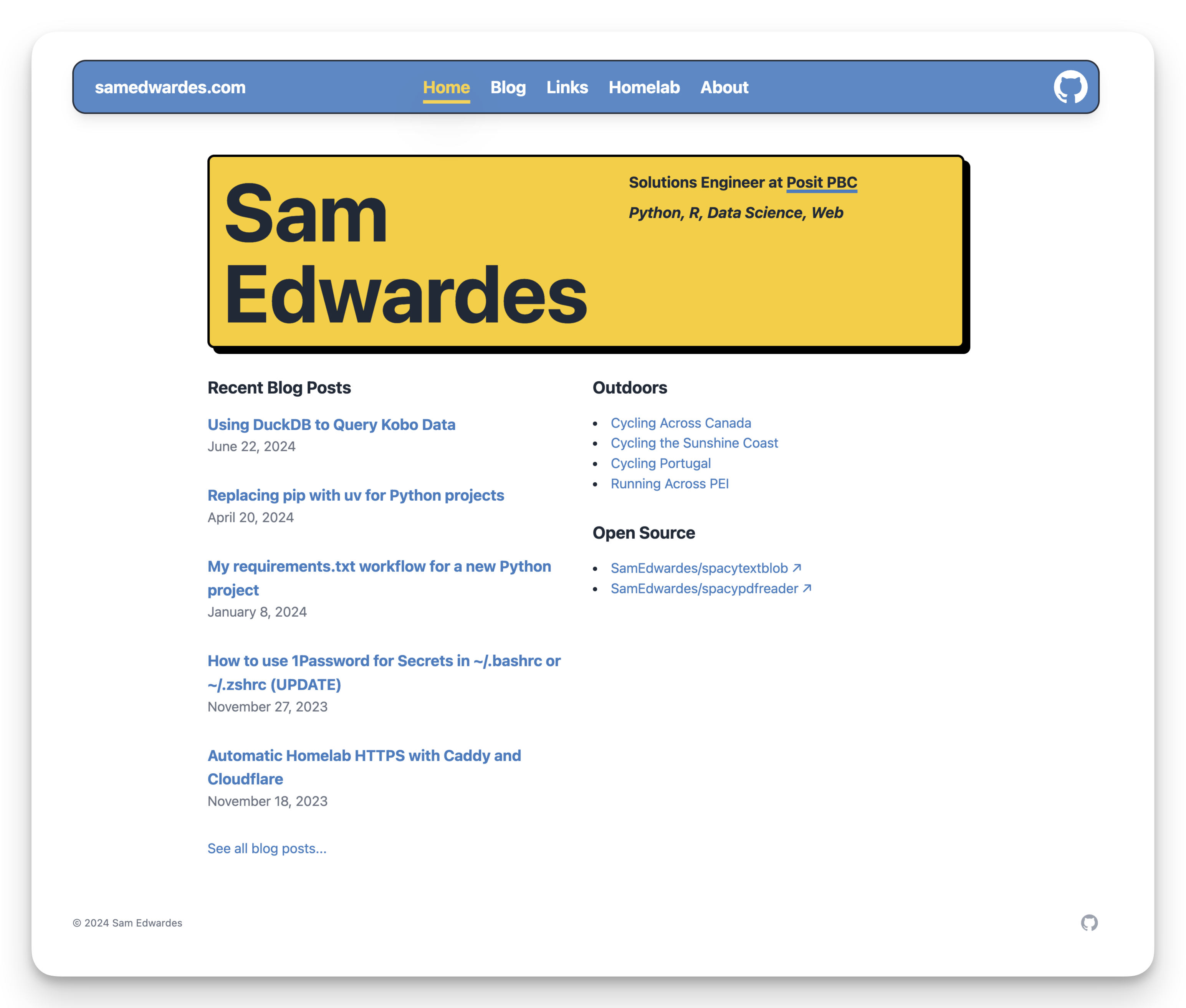 ## Development ### Pre-commit Copy the code below to `.git/hooks/pre-commit` and make it executable with `chmod +x .git/hooks/pre-commit`. ```bash #!/usr/bin/env bash # ^ Note the above "shebang" line. This says "This is an executable shell script" # Name this script "pre-commit" and place it in the ".git/hooks/" directory # If any command fails, exit immediately with that command's exit status set -eo pipefail # Run commands just pre-commit ``` ## Astro ```sh npm create astro@latest -- --template minimal ``` [](https://stackblitz.com/github/withastro/astro/tree/latest/examples/minimal) [](https://codesandbox.io/p/sandbox/github/withastro/astro/tree/latest/examples/minimal) [](https://codespaces.new/withastro/astro?devcontainer_path=.devcontainer/minimal/devcontainer.json) > 🧑🚀 **Seasoned astronaut?** Delete this file. Have fun! ### 🚀 Project Structure Inside of your Astro project, you'll see the following folders and files: ```text / ├── public/ ├── src/ │ └── pages/ │ └── index.astro └── package.json ``` Astro looks for `.astro` or `.md` files in the `src/pages/` directory. Each page is exposed as a route based on its file name. There's nothing special about `src/components/`, but that's where we like to put any Astro/React/Vue/Svelte/Preact components. Any static assets, like images, can be placed in the `public/` directory. ### 🧞 Commands All commands are run from the root of the project, from a terminal: | Command | Action | | :------------------------ | :----------------------------------------------- | | `npm install` | Installs dependencies | | `npm run dev` | Starts local dev server at `localhost:4321` | | `npm run build` | Build your production site to `./dist/` | | `npm run preview` | Preview your build locally, before deploying | | `npm run astro ...` | Run CLI commands like `astro add`, `astro check` | | `npm run astro -- --help` | Get help using the Astro CLI | ### 👀 Want to learn more? Feel free to check [our documentation](https://docs.astro.build) or jump into our [Discord server](https://astro.build/chat).
