KO
|
EN
gitlite — search
Search
#javascript
#python
#hacktoberfest
#react
#ai
#typescript
#llm
#go
#golang
#android
#machine-learning
#rust
#deep-learning
#linux
Catrooms
★ 22
Open GitHub ↗
The Backrooms with Demonic Cats!
Download README (.md)
Explore Similar Repositories
gcnn-dvs-fpga
:
Hardware Acceleration of Neural Networks for Event Camera-Based Object Detection on SoC FPGAs
MASTODON
:
No description available.
Engineers-Guide-to-Soar
:
A short course in Soar programming for engineers
FakePowerOff
:
Simulate device shutdown, ideal for use with anti-theft apps.
CVE-2024-6387
:
Targeting a signal handler race condition in OpenSSH's server (sshd) on glibc-based Linux systems.
// repository documentation
Was this content helpful?
★ 0
(0 ratings)
Select Rating:
★
★
★
★
★
Submit Feedback
Recent Feedback
×
Download README
Do you want to download the
README.md
file for
Catrooms
?
Download (.md)
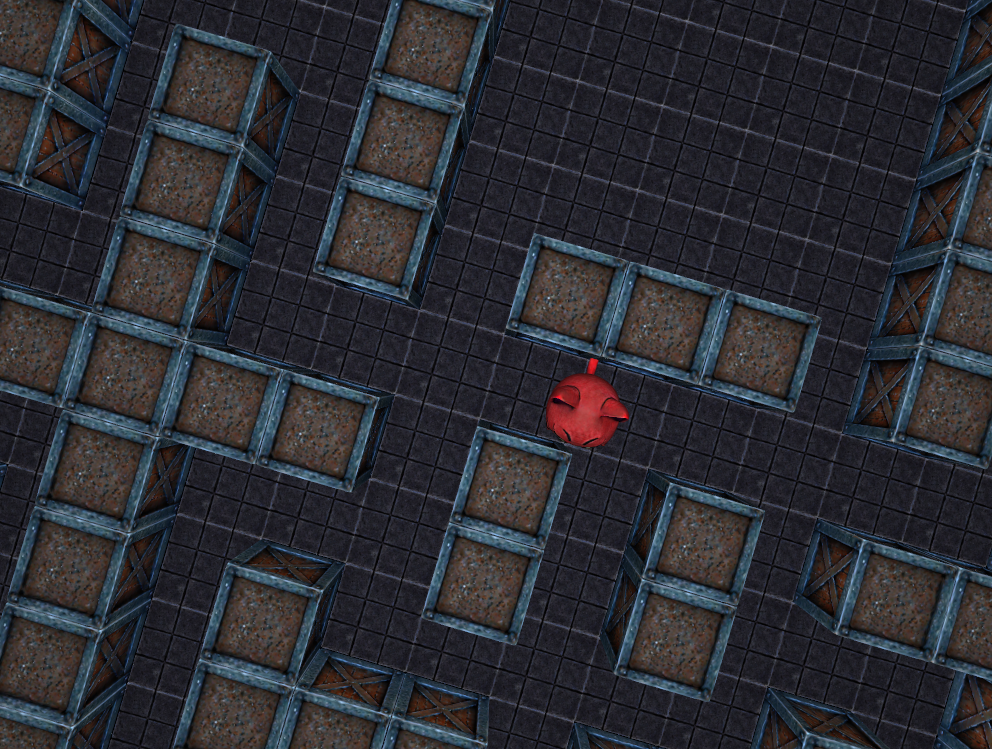 *The Backrooms, catified. Find all 14 trinkets before the cat emojis get you!* Follow the floating eye to obtain the trinkets before the demonic cats get to you!! There are 14 trinkets in total and the final trinket will have no floating eye to guide you, instead the sky will turn more red the closer you are to it! Once you have won the game the sky will turn yellow. - **Play Online:** https://pushergames.itch.io/catrooms - **Flathub:** https://flathub.org/apps/com.voxdsp.TheCatrooms - **Snapcraft:** https://snapcraft.io/catrooms - **Windows:** https://github.com/mrbid/catrooms/releases ## input ``` ESCAPE to release mouse lock. Mouse Move to Look Around. Arrow Keys or WASD to Move Around. ``` ## build ``` sudo apt install --assume-yes libglfw3-dev libglfw3 sudo apt install --assume-yes tcc sudo apt install --assume-yes upx-ucl sudo apt install --assume-yes mingw-w64 make ./release/TheCatrooms_linux ``` or ``` make deps make test ``` You don't need [UPX](https://upx.github.io/) but if you don't have the package you can download the binary from [here](https://github.com/upx/upx/releases). ## attribution * All assets generated using [LUMA GENIE](https://lumalabs.ai/genie) and [TripoAI](https://www.tripo3d.ai).
