KO
|
EN
gitlite — search
Search
#javascript
#python
#hacktoberfest
#react
#ai
#typescript
#llm
#go
#golang
#android
#machine-learning
#rust
#deep-learning
#linux
zaneyos
★ 13
Open GitHub ↗
No description available.
Download README (.md)
Explore Similar Repositories
B450M-Hackintosh
:
AMD B450 Hackintosh EFI Files based on Opencore. Tested for macOS Monterey 12.1 & Ventura 13&Sonoma 14.
FrostyMail
:
No description available.
ShapeTexture2D
:
A Godot 4 addon for creating simple shape textures.
kratos.sh
:
kratos is a command line application that brings AI to your terminal.
xai-compare
:
No description available.
// repository documentation
Was this content helpful?
★ 0
(0 ratings)
Select Rating:
★
★
★
★
★
Submit Feedback
Recent Feedback
×
Download README
Do you want to download the
README.md
file for
zaneyos
?
Download (.md)
# Aman9das' Config This is a simple way of reproducing my configuration on any NixOS system. This includes the wallpaper, scripts, applications, config files, and more. Based on [ZaneyOS](https://zaney.org/zaneyos/). 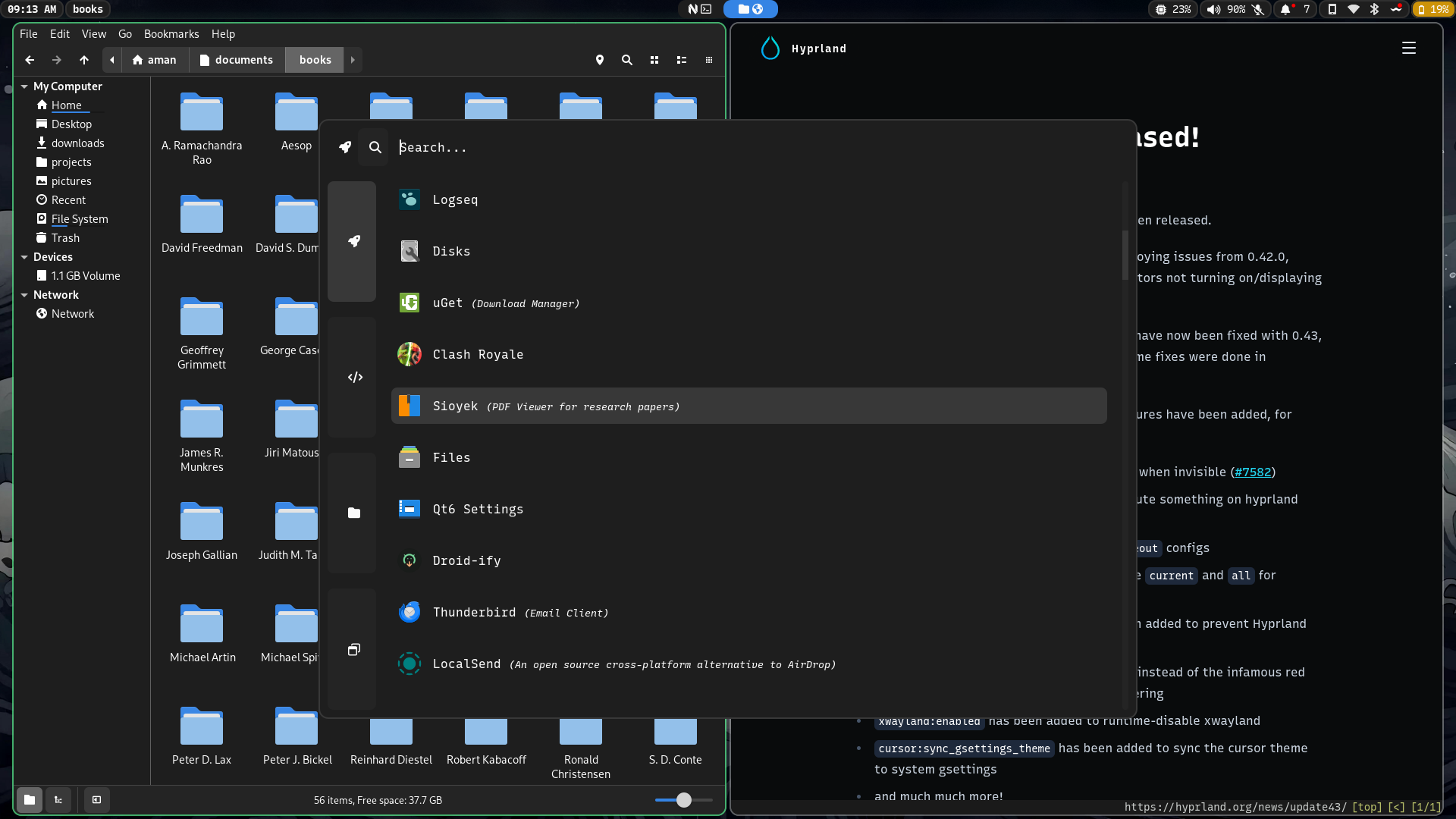 ## 🍖 Requirements - You must be running on NixOS. - Must have installed using GPT & UEFI. - Manually editing options.nix file in hosts/<yourhostname> folder. ### 🎹 Pipewire, Spotify, & Notification Menu Controls - We are using the latest and greatest audio solution for Linux. If you like listening to music Spotify comes pre-installed out of the box. Not to mention you will have media and volume controls in the notification center available in the top bar. ### 🏇 Optimized Hyprland Workflow, Reliable GNOME Desktop, & Simple Yet Elegant Neovim - Opinionated Hyprland setup for increased functionality and efficiency. - GNOME Desktop for friends and family. - Lazyvim configuration for editing productivity. ### 🖥️ Multi Host & User Configuration - You can now define separate settings for different host machines and users! - Easily specify extra packages for your users in the users/users.nix file. - Easy to understand file structure where each host just has its generated hardware.nix file and option.nix file in a folder with the hostname as its title. ### 👼 An Incredible Community Focused On Support - The entire idea of ZaneyOS is to make NixOS an approachable space that is actually a great community that you want to be in. - Many people who are patient and happy to spend their free time helping you are running ZaneyOS. Feel free to reach out on the Discord for any help with anything.  ### 📦 How To Install Packages? - You can search the [Nix Packages](https://search.nixos.org/packages?) & [Options](https://search.nixos.org/options?) pages for what a package may be named or if it has options available that take care of configuration hurdles you may face. - To add a package there are the packages.nix files located in ./config/system and ./config/home folders. One is for programs available system wide and the other for your users environment only. - You also have the option of easily adding packages to the option in the users/users.nix file for a specific user. ### 🙋 Having Issues / Questions? - Please feel free to raise an issue on the repo, please label a feature request with the title beginning with [feature request], thank you! ## ⬇️ Install ### 📜 Script This is the easiest and recommended way of starting out. The script is not meant to allow you to change every option that you can in the flake or help you install extra packages. It is simply here so you can get my configuration installed with as little chances of breakages and then fiddle to your hearts content! Simply copy this and run it: ``` sh nix-shell -p git curl sh <(curl -L https://github.com/aman9das/zaneyos/-/raw/main/install-zaneyos.sh) ``` ### 🦽 Manual Run this command to ensure Git & Vim are installed: ``` sh nix-shell -p git vim ``` Clone this repo & enter it: ``` sh git clone https://github.com/aman9das/zaneyos.git cd zaneyos ``` - *You should stay in this folder for the rest of the install* Create the host folder for your machine(s) ``` sh hostname="<your-desired-hostname>" cp -r hosts/default hosts/$hostname ``` > **WARNING:** Edit hosts/$hostname/options.nix Generate your hardware.nix like so: ``` sh nixos-generate-config --show-hardware-config > hosts/$hostname/hardware.nix ``` Run this to enable flakes and install the flake replacing hostname with whatever you put in the hosts/<your-desired-hostname>/options.nix file: ``` sh NIX_CONFIG="experimental-features = nix-command flakes" sudo nixos-rebuild switch --flake .#hostname ``` Now when you want to rebuild the configuration you have access to an alias called flake-rebuild that will rebuild the flake based of the flakeDir variable you set in options.nix! Hope you enjoy!
